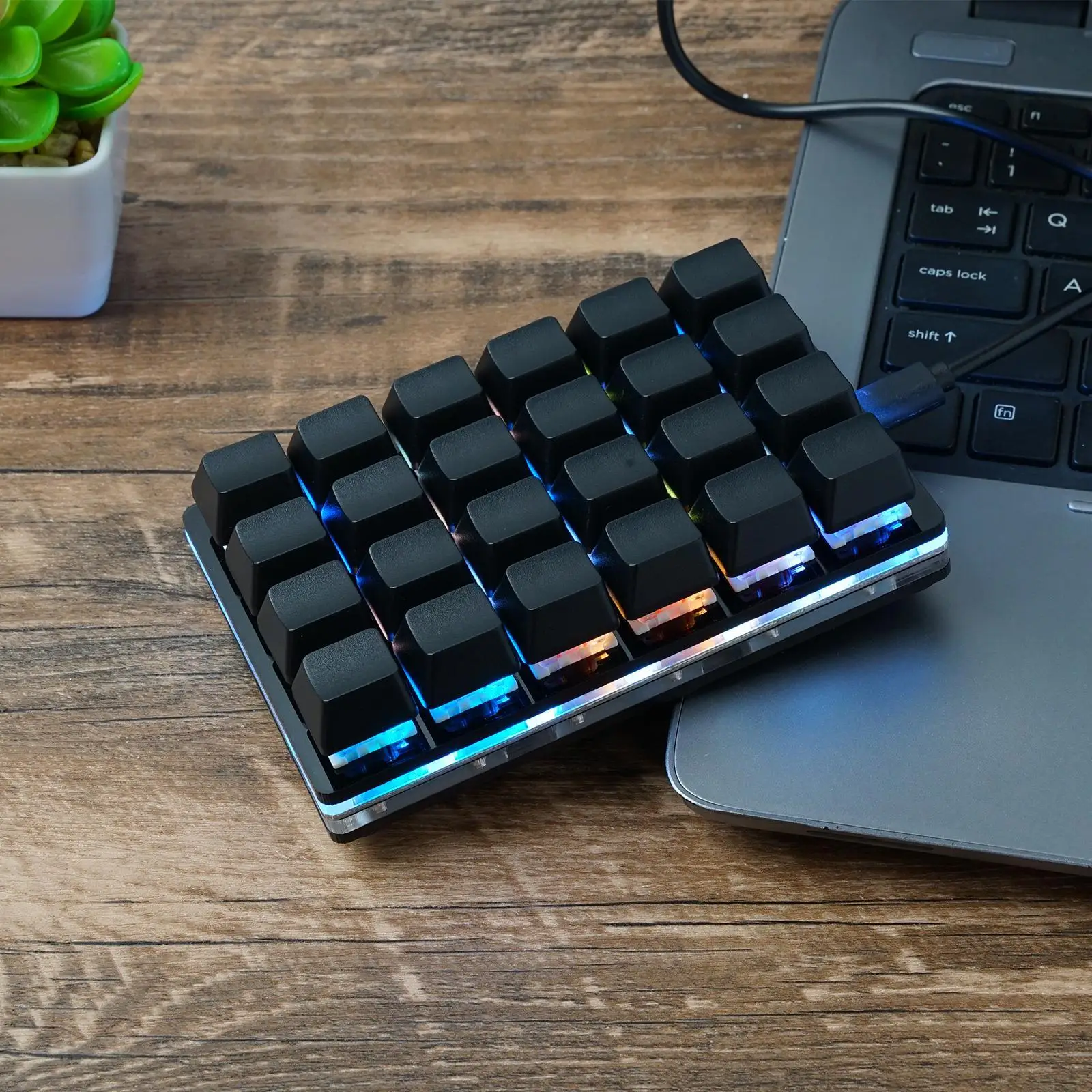
SudoDeck: Buttons, Macros and Actions
Every action type on the SudoDeck explained, with examples and when to use each one.
Every button on the SudoDeck can be one of six action types. Here’s what each one does and when to reach for it.
Single Key
Presses and releases a single key — ENTER, F5, MEDIA_PLAY_PAUSE.
Use it for media controls, function keys and single-key shortcuts like ESC.
Key Combo
One or more modifiers plus a key — CTRL+C, ALT+TAB, CTRL+SHIFT+ESC.
This is the workhorse. Any keyboard shortcut you use constantly deserves a button.
Text String
Types a string of text character by character — an email address, a canned response, a code snippet.
Great for anything you type repeatedly. Paste-style buttons are the fastest quality-of-life win on any macro deck.
Macro
A sequence of steps, where each step is a key, combo, text string or delay.
CTRL+ALT+T → wait 500ms → type "htop" → ENTERMacros run each step in order. Very long macros (50+ steps) work, but take a few seconds to run. Think of a macro as “the whole repetitive thing, on one button.”
App Launcher
Opens the OS search/run dialog, types the app name and presses Enter.
One tap to launch Calculator, Spotify or your editor — hands-free.
Delay
Waits 1–10000ms before the next action. Mostly used inside macros, to let an app open or a page settle before the next step fires.
A recipe to start with
Build a “start work” button as a macro:
- App Launcher — your code editor
- Delay — 2000ms
- App Launcher — your terminal
- Key Combo —
CTRL+Tto open a new tab
One tap, your whole setup opens itself. That’s the point of the deck.
$ ./shop-this-guide
Built, tested and ready to go on this site.